
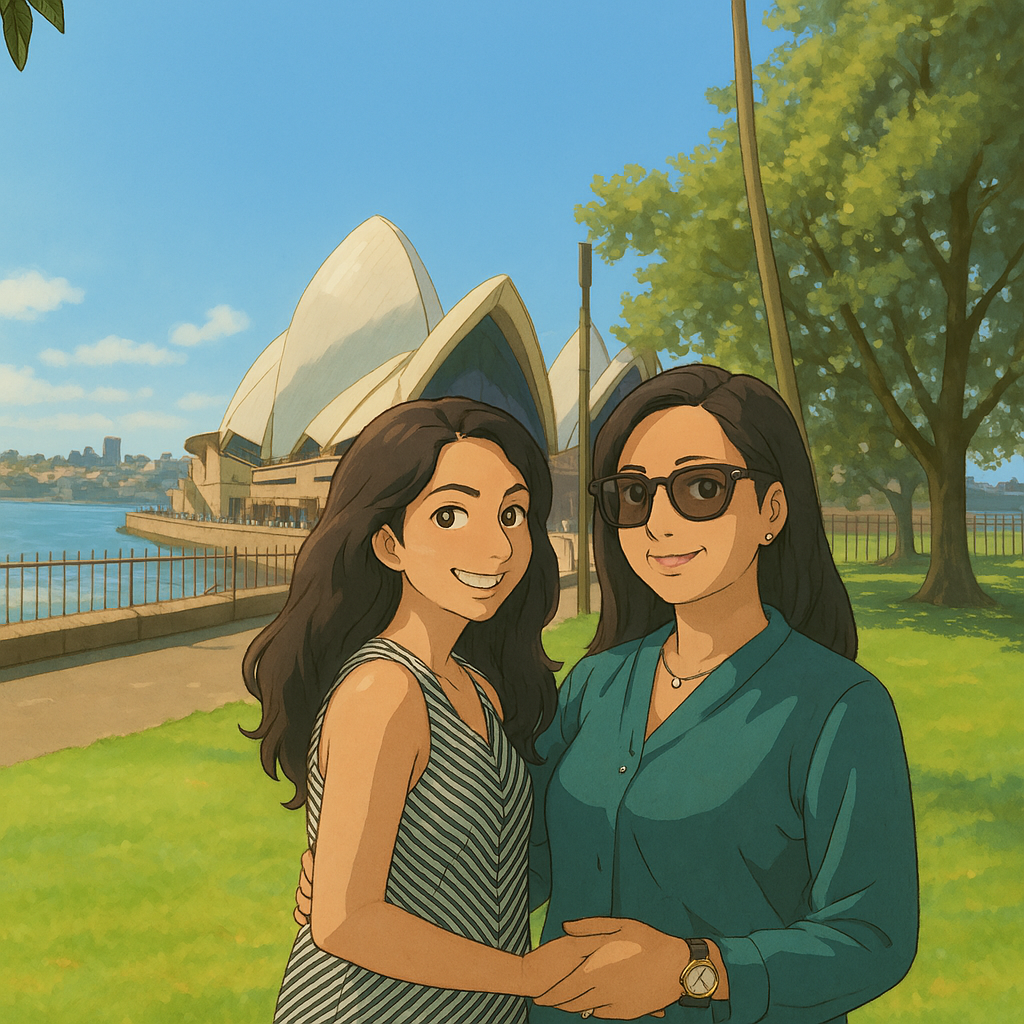
🎒 What You Need Before We Start:
✅ A ChatGPT Plus subscription (to access image tools like DALL·E editing)
✅ A clear image of yourself (or anything you want to Ghibli-fy!)
✅ A bit of imagination and ✨Ghibli vibes✨
🔟 Step-by-Step: Create a Ghibli-Style Image from Your Own Photo
🖼️ Step 1: Choose or Take a Great Photo
Pick a clear photo with good lighting — ideally from the waist up and with a neutral background.
➡️ This helps ChatGPT recognize your pose and facial details clearly.
📸 Tip: A simple selfie works great!
⬆️ Step 2: Upload the Image to ChatGPT
Open your ChatGPT window and click the paperclip 📎 icon to upload your image.
Once uploaded, say something like:
✍️ “Turn this image into a Ghibli-style character. Keep the pose and clothing but change the style to soft, dreamy, and hand-drawn like a Studio Ghibli scene.”
You can be more specific too:
🧚 “Make it look like a peaceful scene in a Ghibli forest, with soft lighting, anime-style facial features, and watercolor textures.”
🪄 Step 3: Let the AI Work Its Magic
Once your prompt is submitted, ChatGPT will use its image generation tools (like DALL·E) to create a new image.
🌀 In a few seconds, you’ll see a dreamy Ghibli-style version of your photo!
🛠️ Step 4: Refine the Result (Optional)
Don’t like the first version? You can tweak it! Ask ChatGPT:
🎨 “Can you make the background a Ghibli-style town like in Spirited Away?”
🌸 “Add falling cherry blossom petals for a spring vibe.”
🦊 “Can you turn my pet into a cute Ghibli companion character?”
Keep refining until you're in love with the result 💕
💾 Step 5: Download Your Ghibli-Style Image
When you're happy with the result, right-click the image and save it to your device.
It’s ready to be shared on social media, used as a profile picture, or even printed out as art! 🖨️🖼️
🧡 Bonus Tips to Make It Extra Magical:
Use soft color palettes in your prompts: think pastel skies, golden light, soft greens.
Add props or backgrounds like old villages, floating islands, or magical creatures.
Mention “Studio Ghibli-style” or even reference a specific film like Howl’s Moving Castle or My Neighbor Totoro for more accuracy.
🚀 Why This Works (The AI Magic Behind It)
ChatGPT uses DALL·E, a powerful image generation tool that understands both visuals and text prompts.
By giving it a photo and describing your desired style, you’re guiding the AI to redraw it with artistic flair — Ghibli-style!
🎉 You're Now a Character in a Ghibli Film!
That’s it! With just a few clicks and a sprinkle of creativity, you've transformed a real-life photo into a dreamy Ghibli-style illustration 💫
🧡 Try it with friends, pets, or even landscapes — the possibilities are endless.
📣 Got Your Own Ghibli Art? Share It!
I'd love to see what you’ve created!


